
Setup guides
One guide per app, from the Shopify App Store listing to a working storefront. Labels are written exactly as they appear in each app.

Install and set up SalePilot
SalePilot Smart Sale Scheduler · 11 sections
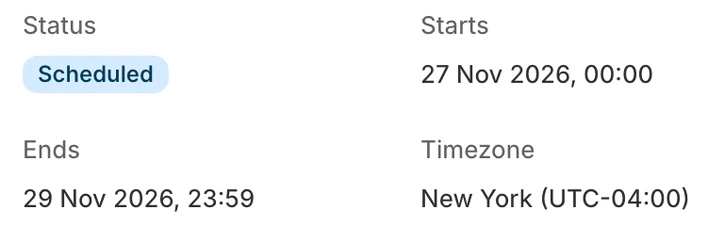 Open the SalePilot guide
The 11 sections

Install and set up BulkPilot
BulkPilot Smart BOGO Discounts · 10 sections
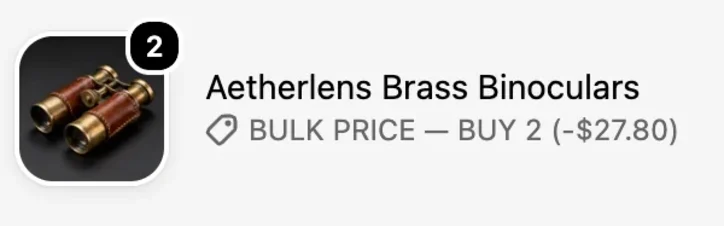 Open the BulkPilot guide
The 10 sections

Install and set up BundlePilot
BundlePilot: Smart Bundles · 11 sections
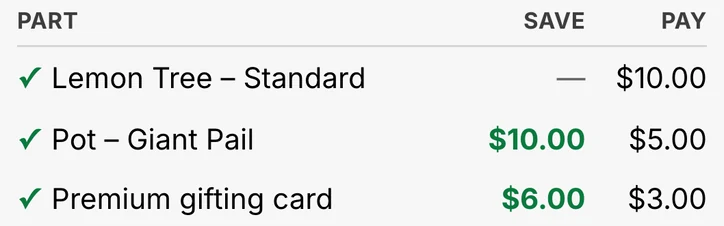 Open the BundlePilot guide
The 11 sections
- Before you start
- Install BundlePilot
- Step 1: create your first bundle
- Step 2: add the Bundle Builder block
- Step 3: turn on the cart line display
- Step 4: publish bundle parts to your Online Store
- Step 5: turn on the savings card
- Check it works
- Optional: start a monthly paid plan, with a 50% OFF code
- Troubleshooting
- Remove BundlePilot
More SalePilot how-to guides are on salepilotapp.com.