
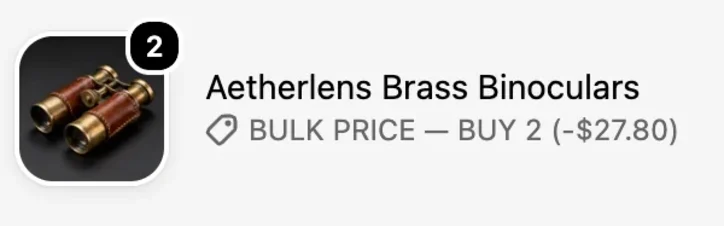
That is a lot to ask at the moment of choice. A visible code box can also send shoppers out of checkout to search for codes elsewhere, and a total that only appears at the end is one of the reasons Baymard’s data lists for leaving a cart. A quantity price only works if the shopper can see it, so where it is shown matters as much as how big it is.
Headline stat
83% of sites don’t apply discounts automatically, in Baymard Institute’s checkout research. Baymard’s advice: “If discounts can be autoapplied, do it.”
The figure as a chart, with its source
Independent researchBaymard, “Payment UX” (opens the source)Sources
Research on this pain point
- “X for $Y”did better than “X + N free”Multi-unit offers: what the research says about “Buy 3 for $Y”
- 83%of sites don’t apply discounts automatically, Baymard foundPrice visible before checkout: what Baymard and the coupon studies say
How BulkPilot works on it
BulkPilot (Free plan available) puts Buy 2 and Buy 3 prices on the product page, so the shopper sees the saving before checkout, and the price applies at checkout with no discount code. Quantity 4 and above continues at the Buy 3 rate; BOGO stops at 3 units.
See BulkPilotBulkPilot Smart BOGO Discounts on the Shopify App Store
What we checked
Each figure is read in the source’s own text. None of them is a result of our apps.
- SourceBaymard Institute, “Payment UX: Research-Backed Standards for Ecommerce Checkouts”, C. MacDonald (full text). Baymard gives no conversion figure for removing codes, so this shows how common the setup is, not what fixing it earnsOpen on baymard.com (opens the source)
- Our checkWe have not run this test on any store, so this page makes no first-hand claim.